



Leave Me Alone Lifetime Plan
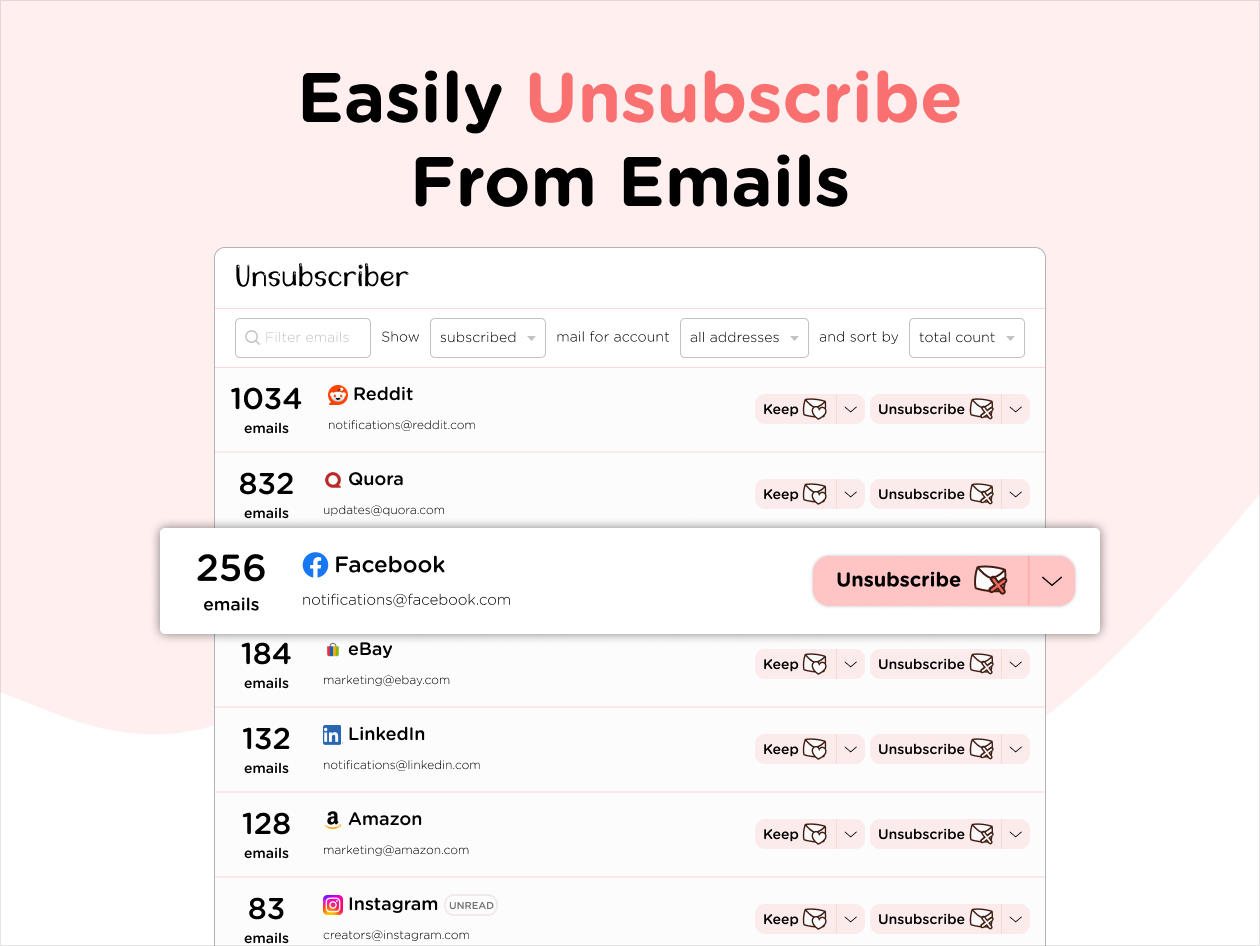
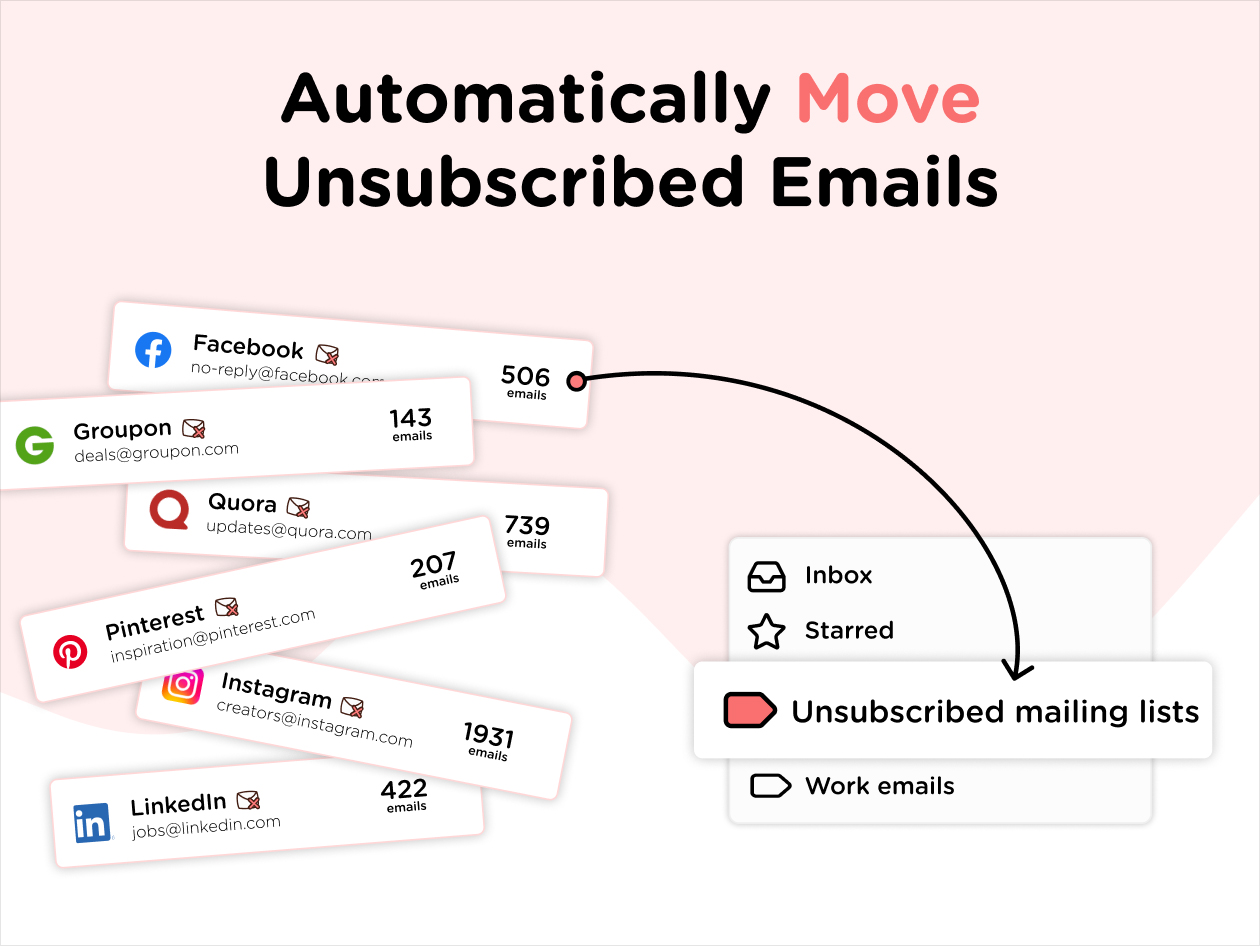
Take Back Control of Your Inbox! Easily Unsubscribe from Emails & Newsletters and Block Unwanted Senders—Works with Every Email Provider


Terms
- Unredeemed licenses can be returned for store credit within 30 days of purchase. Once your license is redeemed, all sales are final.
Steven Appenrodt
It cleans out my inbox and is pretty effortless and easy.
John Newton
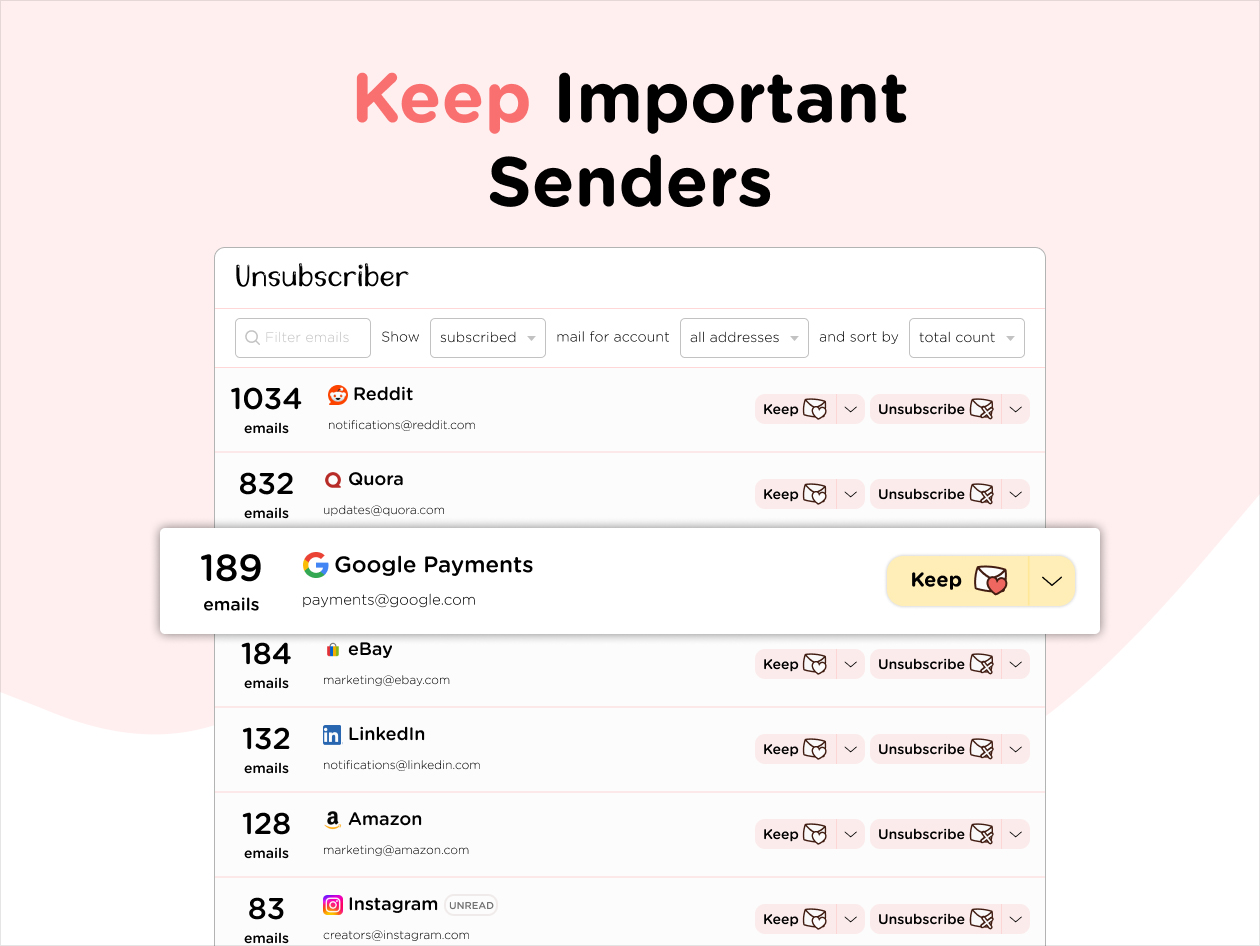
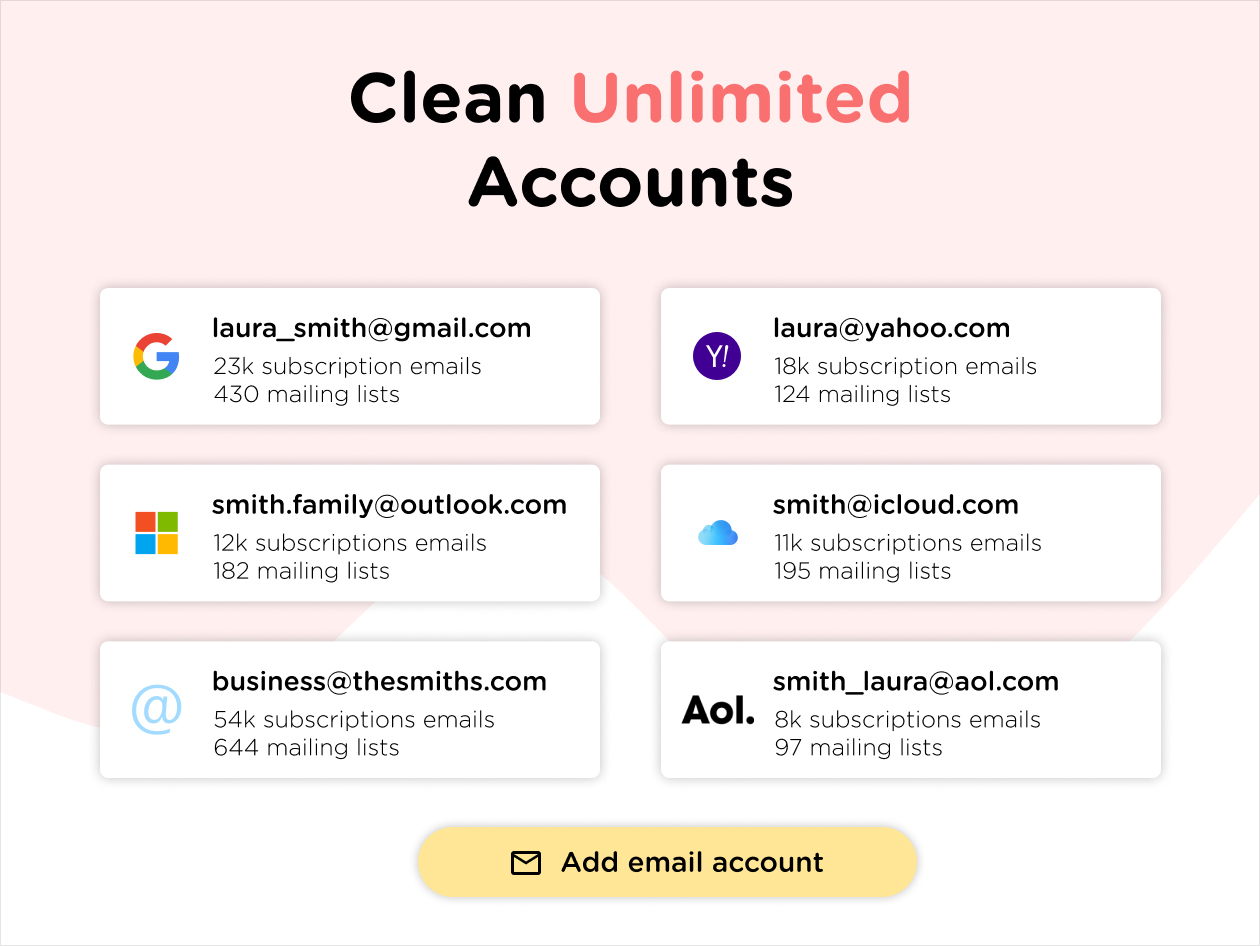
I’ve used several email subscription-management tools and most charge monthly, so the lifetime plan here really stood out (British too!). It’s a versatile way to review senders, roll up newsletters, and unsubscribe quickly across multiple inboxes. I’d still like a proper iOS app and smarter grouping suggestions, but overall it’s a very useful tool and great value.
Ayushman Singh
It works well and is reliable and useful with helpful support.
Michael Sarcone
I have not used this very much yet, but so far it was easy to set up and I had a question for support and they answered quickly. It looks like it may be a very helpful service. Time will tell.
clive castle
Well works will subcriptions, cannot preview E-mails in android app. Login in website can preview emails, would better more functional if could preview in android app proberly can do more if pay more for more functions hhmm..
Andy Wakker
A good tool for cleaning up email mailboxes, but unsubscribing doesn't always work; as others have already written, not all tools are available in the lifetime version.